The Ultimate Guide to Academic Search Engines in 2026

I still remember the panic I felt during my first graduate research project. My professor casually mentioned that I needed at least 15 peer reviewed sources, and I nodded confidently while internally freaking out. Where exactly was I supposed to find these scholarly articles? Google just wasn’t cutting it, and I had no idea where to turn next.
If you’re new to academic research, you’ve probably felt that same confusion. Finding the right research papers can feel like searching for a needle in a digital haystack. The good news? You don’t have to fumble around like I did.
In 2026, AI powered research assistants have transformed how literature reviews are done. Tools like Paperguide are also now widely regarded as some of the best AI tools for literature review, helping researchers move from paper discovery to structured understanding and synthesis. This guide will walk you through the essential academic search engines and research tools that make scholarly research manageable and even enjoyable.
Key Takeaways
- Google ranks results by popularity, cannot filter for peer-reviewed content and misses many academic journals, so academic search engines are the better starting point.
- Google Scholar and Semantic Scholar are strong free options for broad discovery, while PubMed, IEEE Xplore, arXiv, ERIC, PsycINFO and JSTOR cover specific fields.
- Boolean operators, exact phrases, filters and citation chaining turn a general search into a precise one.
- Paywalled papers can often be reached legally through library access, Unpaywall, preprints or a polite email to the author.
- The most effective researchers combine several tools in one workflow rather than relying on a single search engine.
Quick Comparison of Top Academic Search Engines
| Feature | Google Scholar | Semantic Scholar | Paperguide | PubMed |
|---|---|---|---|---|
| Purpose | General academic research | AI-enhanced research discovery | AI-native platform for scientific research workflows | Medical and life sciences research |
| Data Coverage | Broad coverage across all disciplines | Focused on AI-driven research recommendations | 200M+ papers across disciplines | 34M+ citations in health sciences |
| Key Feature | Cited by feature, full-text links | Citation graph, AI-powered search | Semantic search, AI-generated insights | Full-text access to medical papers |
| Limitations | Includes non-peer-reviewed content | Limited coverage for some fields | Requires a subscription for full access | Focused mainly on health and life sciences |
| Best For | Broad academic research | AI-driven discovery and citation tracking | Comprehensive research with AI tools | Medical research |
Key Differences Between Major Academic Search Engines
| Criteria | Google Scholar | Semantic Scholar | Paperguide |
|---|---|---|---|
| Search Method | Keyword-based, with basic filters | AI-enhanced search and relevance | Semantic search understanding research questions |
| Access to Full Text | Links to full text when available | Links to full text when available | Direct access to insights and summaries of papers |
| Citations | Tracks citations and citation counts | Visual citation graph, citation influence | SJR journal rankings, citation metrics |
| Best Use Case | General research in many fields | AI-enhanced search for related papers | Search through to synthesis on one platform, ideal for unfamiliar topics |
Why Google Isn’t Enough for Academic Research
Before going to academic search engines, let’s talk about why you can’t just Google everything. While Google is great for finding restaurants or settling debates about movie quotes, it does have some serious downsides for scholarly research:
- It doesn't index many academic journals or publications[1]
- It can't filter specifically for peer-reviewed content
- It doesn't provide citation information or metrics
- It ranks based on popularity, not academic relevance or rigor[1]
Academic search engines are built specifically to overcome these limitations and connect you to the scholarly conversation.
What Are Academic Search Engines?
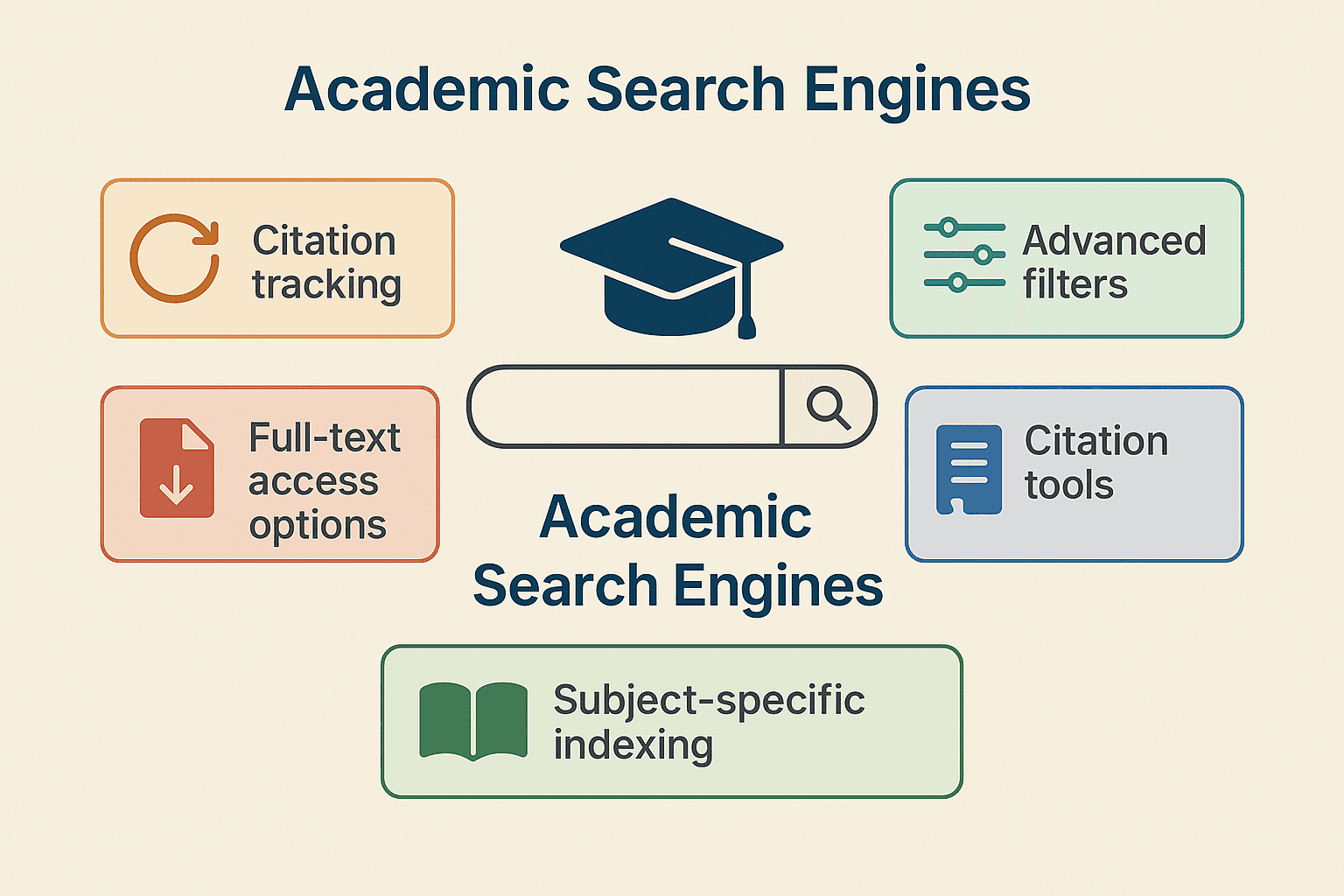
Academic search engines are specialized tools designed to help researchers find scholarly articles, papers, books, and other academic resources.
Key Features to Look For
Not all academic search engines are created equal. Here are some important features that can make your research life easier:
- Citation tracking: See who has cited a particular paper (great for finding newer related research)
- Advanced filters: Narrow results by date, publication type, methodology, etc.
- Full-text access options: Ways to access the complete paper, not just the abstract
- Citation tools: Easy ways to save citation information in your preferred format
- Subject-specific indexing: Coverage of journals in your specific field
Free vs. Paid Resources
The academic search landscape includes both free and subscription-based tools. Many of the best resources require institutional subscriptions that universities pay for (one of the perks of being affiliated with a university!).
Top Academic Search Engines to Use in 2026
AI-Powered Research Assistant
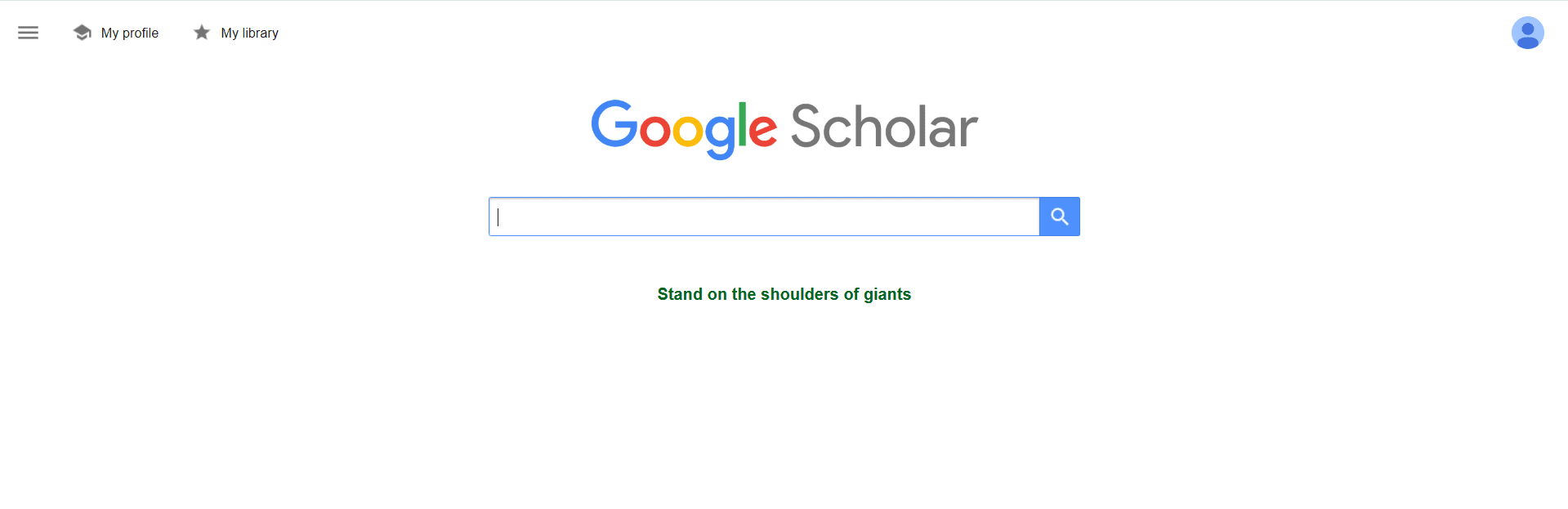
When I first discovered Paperguide, it felt like finding a research shortcut I didn't know existed. Unlike traditional search engines that just give you a list of papers, Paperguide actually understands your research questions and helps throughout the entire research process. In 2026, AI-powered academic search engines like Paperguide are increasingly used not just for discovery, but for early literature reviews, journal evaluation, and research synthesis.
What makes it stand out:
- Semantic search that understands your questions, not just keywords
- Access to over 200 million research papers across disciplines
- Provides AI-generated insights and summaries of papers
- Includes SJR journal rankings and citation metrics to help evaluate paper quality
- Built-in tools to save, read, cite, and even chat with papers
- Searches papers from PubMed, arXiv, OpenAlex and Semantic Scholar, plus your own library
- Synthesizes a cited answer from the top 20 papers, with every claim linked to its source
- Hybrid semantic and keyword search, re-ranked on relevance and journal quality
- Searches peer-reviewed papers only, not the web or blogs, and can be narrowed to PubMed, arXiv or your Reference Manager library
- Suggests related questions after each answer and keeps your follow-ups in the same chat
- Paperguide Systematic Review runs protocol-driven systematic reviews with Dual Review (two blind reviewers plus a conflict resolver) or AI Systematic Review with a named verifier, and generates the PRISMA diagram from actual counts
I've found it particularly helpful when starting research in an unfamiliar area. Instead of spending hours sifting through papers trying to get the lay of the land, you can ask questions and get research-backed answers with citations. It's like having a research assistant who's read everything in your field.
Best Free Academic Search Engines for General Use
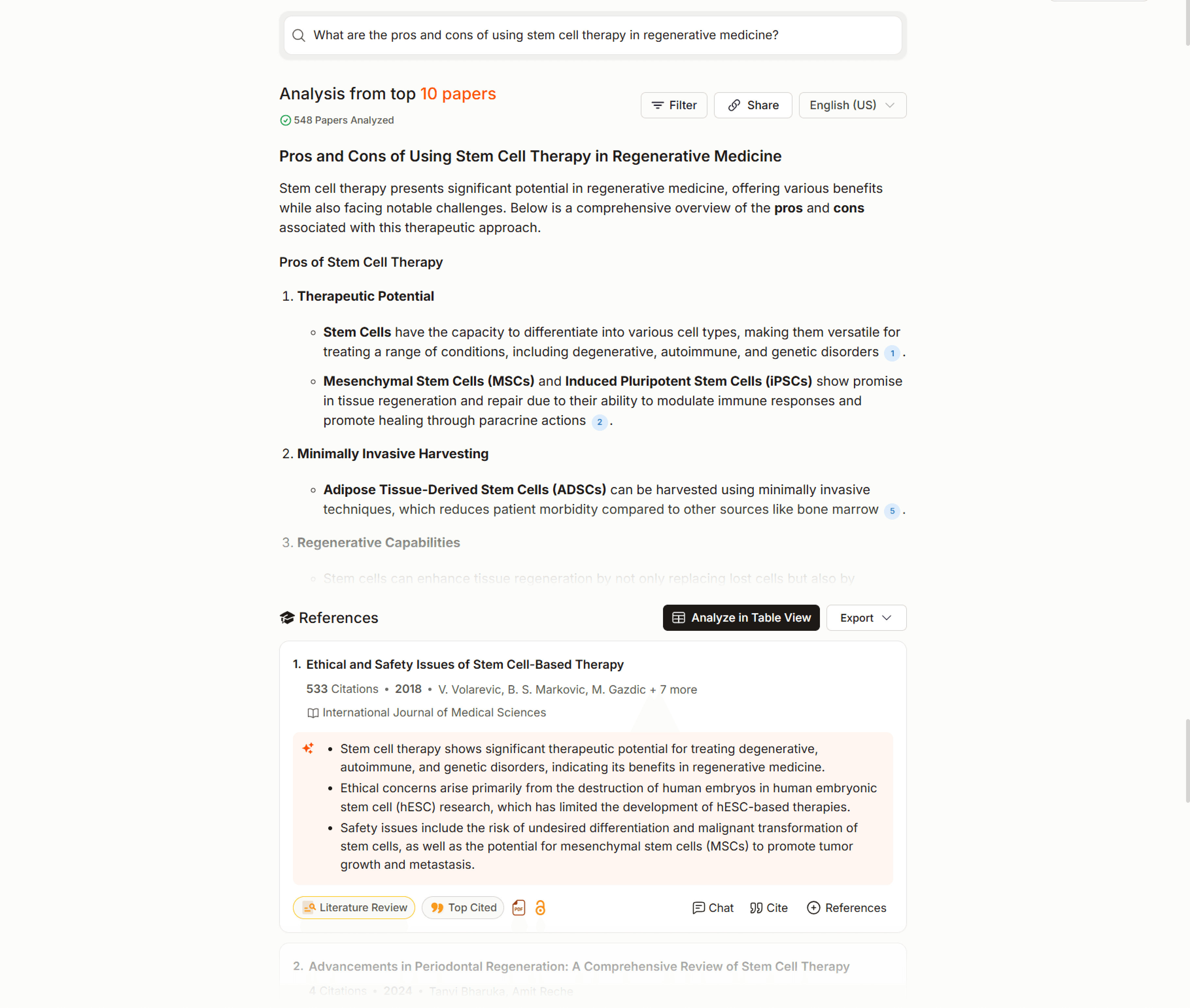
The gateway drug to academic research for many of us. Google Scholar's simple interface makes it less intimidating than other academic databases, but it's surprisingly powerful.[2]
Key strengths:
- Massive coverage across disciplines
- "Cited by" feature to track influence
- Easy to set up email alerts for new papers
- Links to full text when available
- Author profiles showing publication history
The downside? It sometimes includes non-peer-reviewed content, and its filtering options are limited compared to specialized databases.
2. Semantic Scholar
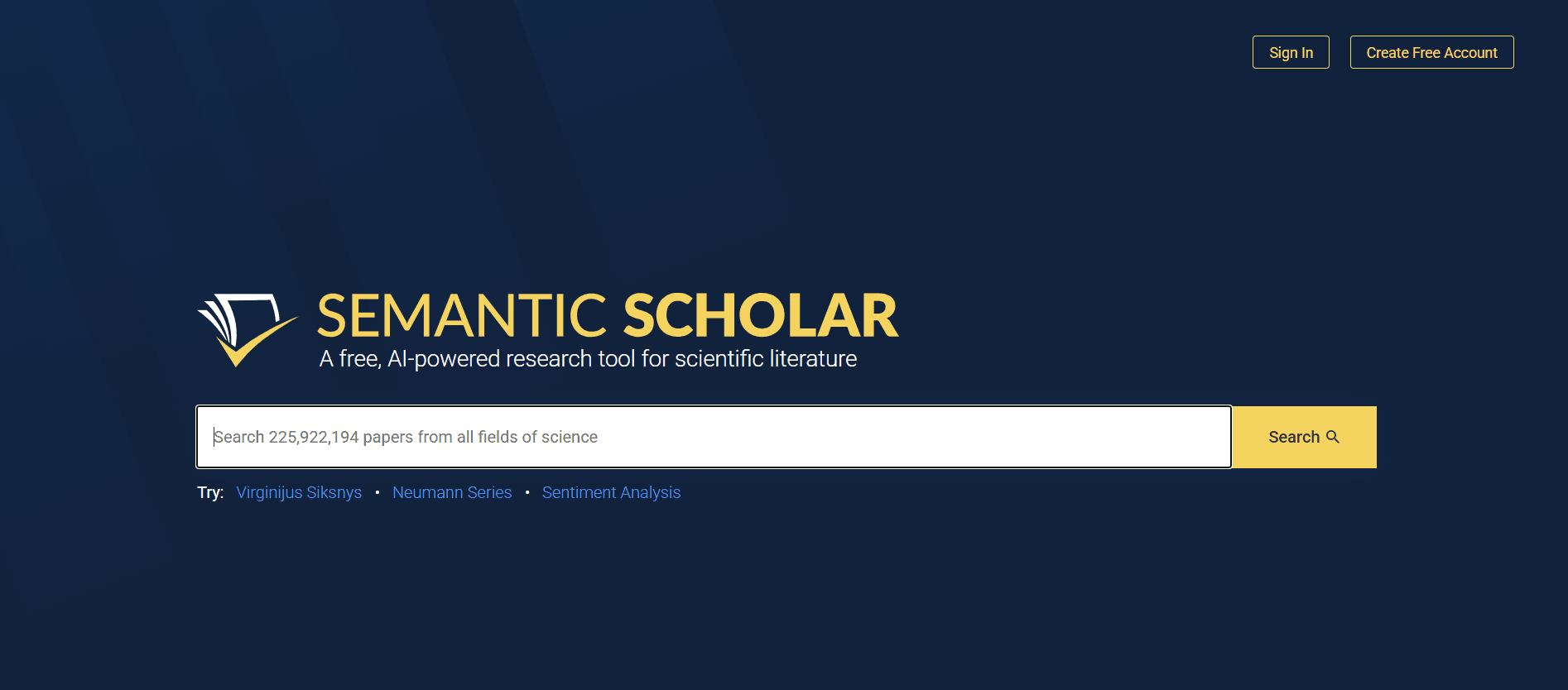
Developed by the Allen Institute for AI, Semantic Scholar uses artificial intelligence to help you find relevant papers more efficiently.[3]
What I love about it:
- Filters for highly influential papers
- Visual research graphs showing connections between papers
- Better understanding of what the paper is actually about
- Cleaner interface than most academic search engines
3. BASE (Bielefeld Academic Search Engine)
Don't let the clunky name fool you. BASE is a powerhouse that searches over 8,000 sources and specializes in open access content.
Notable features:
- Over 240 million documents indexed
- Advanced search options with Boolean operators
- Clear indication of open access availability
- Multiple language support
4. Microsoft Academic
Microsoft retired their academic search in 2021, but I'm including it here because many researchers still reference it. If you see recommendations for Microsoft Academic, know that you'll need to use alternatives now.
5. Dimensions
A relatively newer player that combines publications, grants, policy, data, and clinical trials in one search engine.[4]
Why it's worth checking out:
- Connects papers to funding information
- Shows altmetrics (social media attention)
- Free basic version with impressive functionality
- Great data visualization of research trends
Top Academic Databases by Subject Area
Depending on your field, these specialized databases might become your new best friends:
PubMed (Medicine & Life Sciences)
The gold standard for medical research with over 34 million citations. If you're in health sciences, you'll live here.
IEEE Xplore (Engineering & Computer Science)
Essential for electrical engineering, computer science, and related fields, with over 5 million documents.
arXiv (Physics, Mathematics, Computer Science)
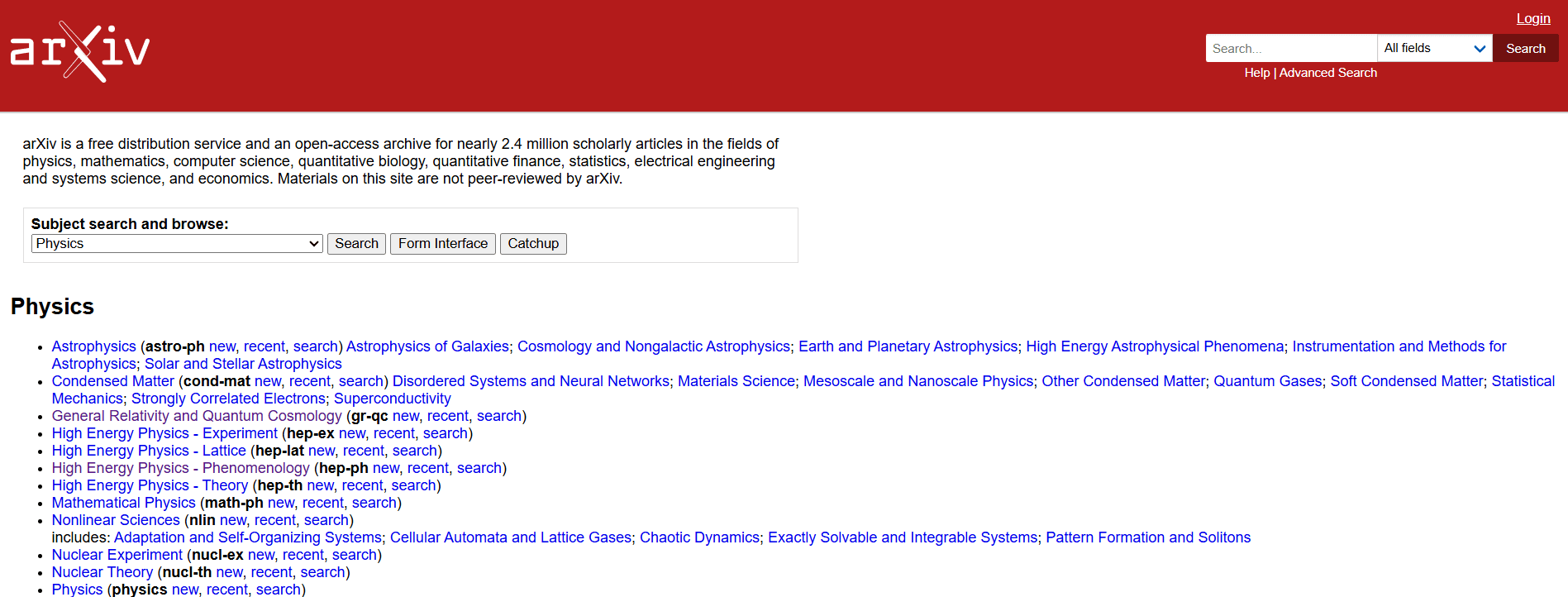
The place for preprints in physics, math, and computer science. Great for finding cutting-edge research before it's formally published.
ERIC (Education)
The Education Resources Information Center contains over 1.6 million records specifically focused on education research and practice.
PsycINFO (Psychology)
The definitive source for psychological research with coverage dating back to the 1800s.
JSTOR (Humanities & Social Sciences)
A digital library containing books and journals in humanities and social sciences, with some content dating back centuries.
A comprehensive research platform covering over 34,000 journals. Its strength is the citation indexing that shows connections between papers.
Elsevier's abstract and citation database covering research in science, technology, medicine, social sciences, and arts and humanities.
Best Open Access Tools to Unlock Research Papers
For those times when paywalls are blocking your research flow:
DOAJ (Directory of Open Access Journals)
A community-curated directory of open access journals with over 17,000 journals listed.
SciELO (Scientific Electronic Library Online)
A collection of open access journals with strong coverage of research from Latin America, Spain, Portugal, and South Africa.
PLoS (Public Library of Science)
Publisher of open access journals in science and medicine.
Not exactly a search engine, but a browser extension that finds legal open access versions of paywalled papers.[7]
Another tool that helps you find free, legal research papers when you hit a paywall.
Academic Social Networks and Repositories
A social networking site for scientists and researchers to share papers and connect.
Academia.edu
Similar to ResearchGate, allowing researchers to share their work and follow research in their field.
An open repository where researchers can deposit papers, data, software, and other research materials.
Proven Search Strategies for Academic Research
Having access to search engines is one thing, but knowing how to use them effectively is what separates casual searchers from research ninjas. Here are some strategies I've learned the hard way:
Crafting Effective Search Queries
The secret to good results is asking good questions. Try these techniques:
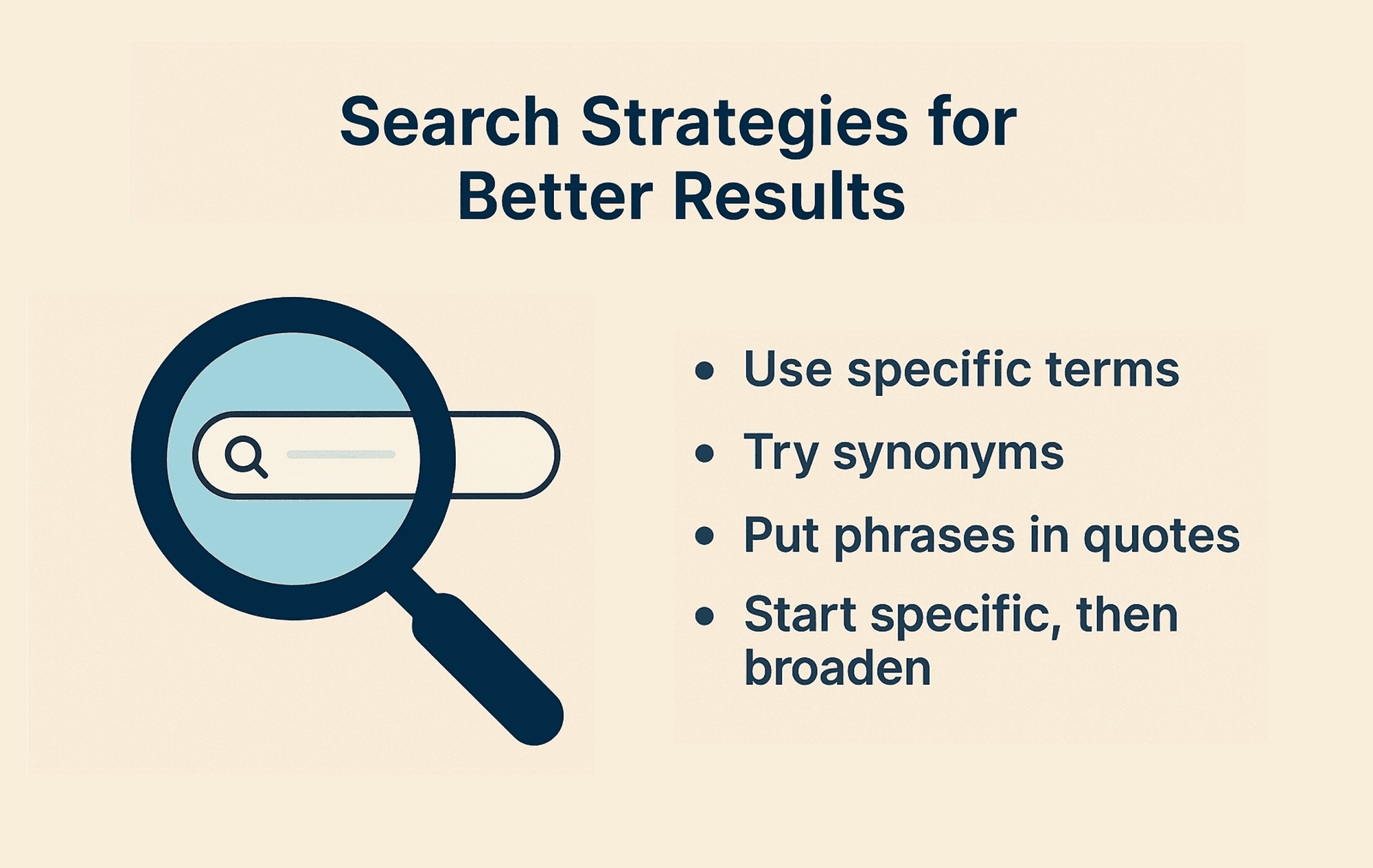
- Use specific, technical terms rather than everyday language
- Try different synonyms for key concepts
- Put exact phrases in quotes ("climate change adaptation")
- Use wildcards (psycholog* finds psychology, psychological, psychologist)
- Start specific, then broaden if you get too few results
Boolean Operators: Your New Best Friends
These simple operators can dramatically improve your results: [6]
- AND: Narrows search (anxiety AND performance)
- OR: Broadens search (college OR university)
- NOT: Excludes terms (pandas NOT animal)
- Parentheses: Group terms (therapy AND (children OR adolescents))
Advanced Filters to Save Time
Most academic search engines offer filtering options that can save you hours:
- Date range: Focus on recent research or specific time periods
- Document type: Limit to empirical studies, reviews, meta-analyses, etc.
- Methodology filters: Find qualitative or quantitative studies
- Language: Limit to papers in languages you can read
- Field tags: Search in specific parts of papers (title, abstract, keywords)
If filter labels such as preprint, meta analysis or open access are unfamiliar, the Paperguide guide to research terminology explains each one briefly.
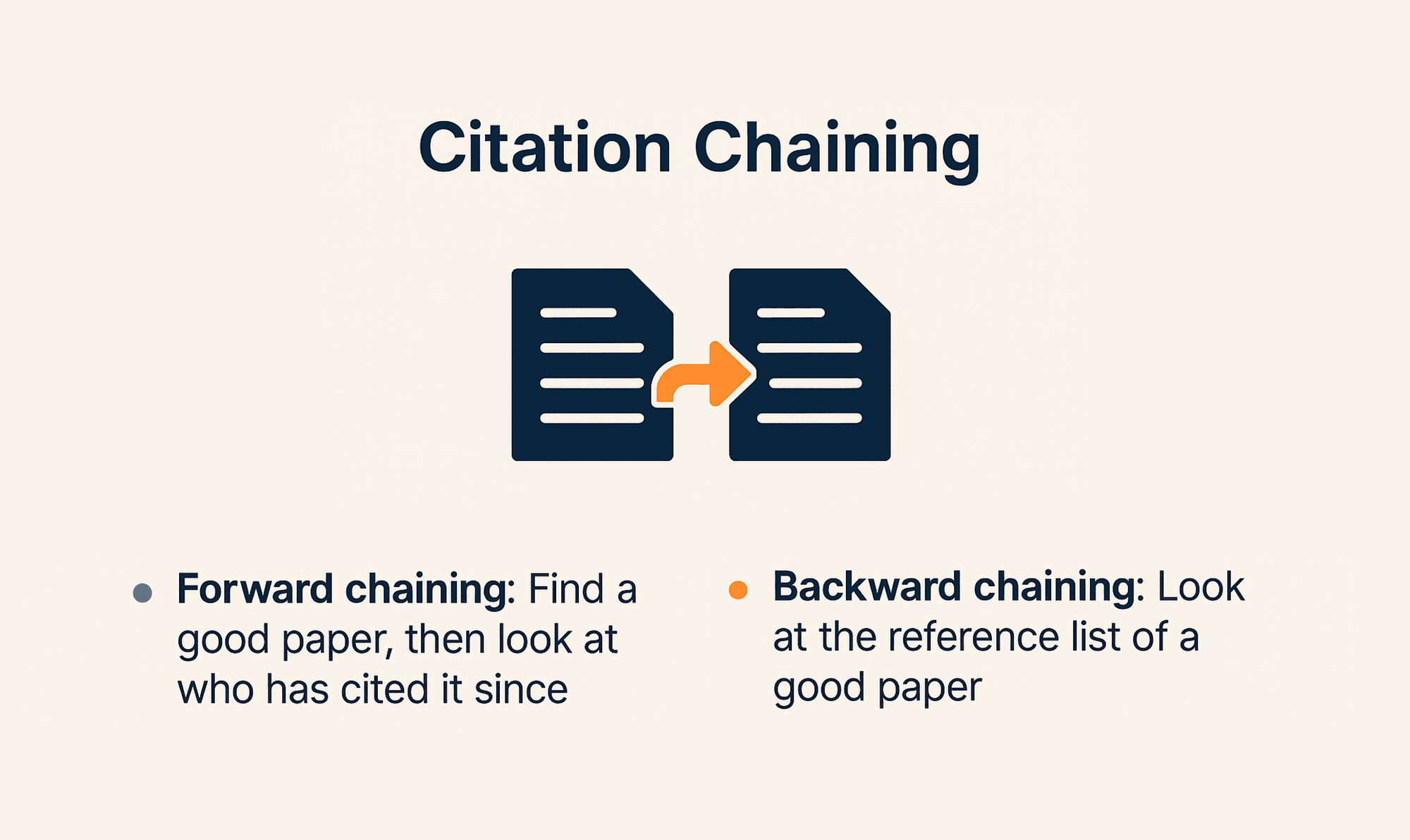
Citation Chaining: Following the Academic Conversation
One of the most effective research techniques isn't about searching at all:
- Forward chaining: Find a good paper, then look at who has cited it since publication [5]
- Backward chaining: Look at the reference list of a good paper to find earlier relevant work
I've found some of my most valuable sources through citation chaining. It's like following a breadcrumb trail through the academic conversation.
Setting Up Alerts: Let the Research Come to You
Once you've refined your searches, set up email alerts so new research comes to you:
- Google Scholar, PubMed, and most major platforms offer this feature
- Create alerts for key search terms in your field
- Set up citation alerts for important papers
- Follow prolific authors in your area
The AI Alternative
While these search strategies work well, they require time and expertise. Paperguide simplifies this process with semantic search that understands your research questions, automatically applying advanced search logic to find the most relevant papers. Instead of manually constructing complex queries, you can ask questions naturally and get quality results instantly, saving precious research time.
How to Access Paywalled Academic Papers Legally
Nothing is more frustrating than finding the perfect paper only to hit a paywall asking for $39.99. Here are your options:
Institutional Access
- University library websites: Often provide remote access to subscriptions
- VPN services: Connect to your institution's network from anywhere
- Interlibrary loan: Request papers your library doesn't subscribe to
- Alumni access: Some universities offer continued database access to graduates
When You Don't Have Institutional Access
- Try searching for the paper title + "PDF" in Google
- Check if the author has posted a version on their university website
- Look for preprint versions on arXiv or similar repositories
- Use Unpaywall or Open Access Button
- Email the corresponding author politely asking for a copy
- Check if your public library offers academic database access
For my independent research after graduation, I found that most authors are happy to share their work if you email them directly. I've had about an 80% success rate with this approach.
Tools That Help Bridge the Gap
If you're doing serious research without institutional access, tools like Paperguide can be especially valuable. Since it provides AI-generated insights and summaries of papers, you can sometimes get the key findings even when the full paper is behind a paywall. It's not a replacement for reading the original, but it can help you decide which papers are worth pursuing further.
How to Choose the Best Academic Search Engine for Your Needs
With so many options, how do you choose? Here's my advice based on different research scenarios:
For Quick Research Projects
- Start with Google Scholar for its ease of use and broad coverage
- Try Paperguide if you want AI-assisted insights to speed things up
- Use Unpaywall to find open access versions
For In-Depth Academic Research
- Use subject-specific databases for comprehensive coverage
- Complement with Google Scholar for citation tracking
- Consider Paperguide for literature review assistance and to explore unfamiliar topics
- Don't forget Web of Science or Scopus if you have access
For Specific Disciplines
- Health Sciences: PubMed, Cochrane Library
- Psychology: PsycINFO, PsycARTICLES
- Education: ERIC, Education Source
- Engineering/CS: IEEE Xplore, ACM Digital Library
- Business: Business Source Complete, ABI/INFORM
- Humanities: JSTOR, Project MUSE
The All-in-One Solution
If juggling multiple search tools sounds overwhelming, consider an integrated platform like Paperguide, an AI-native platform for scientific research workflows and systematic reviews. It combines AI Search, journal quality metrics, Literature Review AI, the AI Reference Manager and the AI Paper Writer in one workspace. For new researchers, this approach can significantly simplify your workflow and let you focus on the content rather than learning multiple platforms.
Common Search Challenges and Solutions
Too Many Results
- Add more specific terms to your search
- Use filters to narrow results
- Focus on review articles first to get oriented
- Look for papers from top authors in the field
Too Few Results
- Remove some search terms or make them broader
- Try synonyms for key concepts
- Check your spelling of technical terms
- Look at the reference lists of the few relevant papers you find
Irrelevant Results
- Use more precise technical terminology
- Add NOT terms to exclude unrelated fields
- Try a different database that specializes in your subject
- Use Paperguide's semantic search which understands context better than keyword matching
Can't Access Full Text
- Try the strategies for accessing paywalled papers above
- Consider if an abstract or summary might be sufficient for your needs
- Prioritize open access journals for future research
The Future of Academic Search
The academic search landscape is evolving rapidly. Here are some trends to watch:
- AI-powered tools like Paperguide that go beyond keyword matching
- Integration of research data alongside publications
- Better measurement of impact beyond just citation counts
- More seamless access to full text
- Improved visualization tools to understand connections between papers
Final Thoughts: Building Your Personal Research Workflow
The most effective researchers don't rely on just one search engine. They develop a workflow that combines different tools:
- Start broad to understand the landscape (Paperguide or Google Scholar)
- Dig deeper with specialized databases
- Follow citation trails
- Set up alerts for staying current
- Develop a system for organizing what you find
For many new researchers, the learning curve can be steep when dealing with multiple platforms. This is where integrated platforms like Paperguide can be particularly valuable. By integrating AI Search, literature analysis, reference management, and the AI Paper Writer in one platform, it can significantly simplify your research process. The semantic search capability is especially helpful when you're exploring unfamiliar territory and don't yet know the exact keywords experts use in the field.
Remember that becoming a skilled researcher takes practice. Each time you search, you'll get better at finding exactly what you need.
Frequently Asked Questions
What makes academic search engines different from Google?
Academic search engines are built for scholarly discovery. They prioritize research papers, offer citation tracking, and support filters like year, author, journal, and publication type. Google ranks results for general relevance and popularity, and it does not reliably filter for peer reviewed research or provide citation networks.
What is the best academic search engine in 2026?
The best academic search engine in 2026 depends on your workflow. For broad discovery, Google Scholar is still useful. For cleaner paper discovery with AI summaries and citation graphs, Semantic Scholar is excellent. For a single workflow that combines search, paper understanding, literature review support, and writing assistance, Paperguide is the strongest option in 2026.
How do I use Paperguide for academic research?
Start by typing your research question in natural language. Paperguide uses semantic search to surface relevant papers, then helps you understand them faster with AI summaries, key insights, and paper level context. You can also save papers to a library, organize references, and use writing features to draft sections using your selected sources.
Are there good free academic search engines?
Yes. Google Scholar and Semantic Scholar are among the best free academic search engines. PubMed is also free and excellent for medicine and life sciences. If you want an AI assisted workflow, Paperguide has a free plan with limited usage that is useful for getting started.
What should I do if I hit a paywall?
First check whether a free version exists through open access tools like Unpaywall or Open Access Button. Then look for a preprint on arXiv or an institutional repository. You can also check the author’s website or email the corresponding author to request a copy. If you have university access, use your library portal, VPN, or interlibrary loan.
How can I improve my results in Google Scholar and other academic engines?
Use exact phrases in quotes, try synonyms, and combine keywords with AND or OR. Filter by date to focus on recent work. Use citation chaining by opening a strong paper and checking both its references and newer papers that cited it. Setting alerts for key topics and authors also helps you stay current.
Which search engine is best for my field?
For medicine and life sciences, PubMed is ideal. For engineering and computer science, IEEE Xplore and arXiv are often essential. For education, ERIC is strong. For humanities and social sciences, JSTOR is commonly used. For cross discipline discovery, Google Scholar, Semantic Scholar, and Paperguide work well.
Can AI tools replace academic databases?
No. AI tools can speed up discovery, summarization, and organization, but databases remain the source of record for coverage, indexing, and advanced filtering. The best approach in 2026 is using AI tools to accelerate early exploration and synthesis, then validating through primary sources and field specific databases.
Is it okay to use AI summaries in academic work?
AI summaries are useful for scanning and triaging papers, but you should always verify critical claims in the original paper before citing or quoting. Treat AI as a productivity layer, not a substitute for reading the key methods, results, and limitations yourself.
What is the fastest workflow for beginners doing a literature review?
Start broad with Semantic Scholar or Google Scholar to collect core papers. Use citation chaining to expand the list. Then use a research platform like Paperguide to summarize, extract key findings, organize references, and draft a structured outline, while verifying important details from the original sources.
What is the best AI tool for literature review in 2026?
Paperguide is widely regarded as the best AI tool for literature review in 2026 because it combines semantic paper search, AI-generated summaries, citation-backed synthesis, and writing assistance in one workflow. Unlike traditional academic search engines, it supports both discovery and structured literature review creation.
References:
- Beel, J., Gipp, B., & Wilde, E. (2010). Academic search engine optimization (ASEO): Optimizing scholarly literature for Google Scholar and Co. Journal of Scholarly Publishing, 41(2), 176-190.
- Jacso, P. (2005). Google Scholar: The pros and the cons. Online Information Review, 29(2), 208-214.
- Ammar, W., Groeneveld, D., Bhagavatula, C., Beltagy, I., Crawford, M., Downey, D., & Kohlmeier, S. (2018). Construction of the literature graph in Semantic Scholar. NAACL-HLT 2018, 84-91.
- Herzog, C., Hook, D., & Konkiel, S. (2020). Dimensions: Bringing down barriers between scientometricians and data. Quantitative Science Studies, 1(1), 387-395.
- Petersen, A. M., & Penner, O. (2014). Inequality and cumulative advantage in science careers: A case study of high-impact journals. Nature Communications, 5, 5306.
- Griffiths, J. R., & Brophy, P. (2005). Student searching behavior and the Web: Use of academic resources and Google. Library Trends, 53(4), 539-554.
- Piwowar, H., Priem, J., Larivière, V., Alperin, J. P., Matthias, L., Norlander, B., & Haustein, S. (2018). The state of OA: A large-scale analysis of the prevalence and impact of Open Access articles. PeerJ, 6, e4375.
Researching a topic?
Find papers and get cited answers
Search the literature, find gaps and write with citations.
Start for freeNo credit card required